
Python Requests Proxies Your Guide to Web Scraping
- Nov 8, 2025
- 13 min read
If you're serious about web scraping with Python, you'll eventually need to use proxies.When you’re trying to build a robust web scraping script, learning how to use proxies with Python's Requests library is a game-changer. It's the standard way to hide your real IP address, sneak past rate limits, and get your hands on geo-blocked content. At its core, it’s just a simple dictionary you pass to your requests, but this one technique is fundamental for any serious data collection project.
Why Proxies Are Essential for Python Web Scraping

When you're first getting your feet wet with web scraping, a basic script using Python Requests feels like a superpower. You can fetch data, parse HTML, and pull out valuable information with just a handful of code. But the moment you try to scale up from scraping one page to thousands, you’re almost guaranteed to hit a wall.
This is exactly when Python requests proxies go from being a neat trick to an absolute necessity.
Think about it this way: you’re building a scraper to track competitor prices on a big e-commerce site. Your script works beautifully for the first couple hundred requests, but then—bam. You're suddenly hit with errors or get stuck in an endless loop of CAPTCHA challenges. What happened? The website’s security system noticed a flood of requests from your single IP address and correctly flagged it as a bot.
Navigating Common Scraping Roadblocks
That scenario isn’t just a hypothetical; it's a rite of passage for every web scraper. Websites use all sorts of anti-bot measures to guard their data and keep their servers from getting overloaded. They're watching everything, from how often you send requests to the user-agent you're using, and most importantly, your IP address. An IP sending hundreds of requests in minutes is a dead giveaway.
This is precisely the problem proxies were made to solve. A proxy server is essentially a middleman that sends requests to the target website for you. From the website's perspective, the request looks like it came from the proxy's IP, not yours. This simple change unlocks some massive advantages.
A quick look at the typical challenges you'll face when web scraping and how proxies provide a direct solution for each.
Common Scraping Roadblocks and How Proxies Solve Them
Challenge | Description | How Proxies Help |
|---|---|---|
IP Blocks | The target server identifies and blocks your IP after too many requests. | By rotating through different proxy IPs, your activity appears to come from multiple users, avoiding detection. |
Rate Limiting | Websites restrict the number of requests a single IP can make in a set time period. | Distributing requests across a pool of proxies allows you to bypass these limits and scrape faster. |
Geo-Restrictions | Content is locked and only accessible to users in specific countries or regions. | Using a proxy located in the target country makes it seem like you are accessing the site from that location. |
CAPTCHAs | Annoying "I'm not a robot" tests that pop up to stop automated scripts. | While not a complete solution, rotating IPs can reduce the frequency of CAPTCHAs by making your script look less suspicious. |
In short, proxies help your scraper blend in with normal user traffic, which is the key to successful, large-scale data collection.
Key Takeaway: The combination of Python Requests and proxies is the backbone of modern data scraping. A 2021 survey even showed that around 80% of web scrapers rely on Python Requests as their go-to HTTP library, and almost all of them use proxies to manage their IP footprint. You can read more about these web scraping trends and their impact on data collection.
Setting Up Your First HTTP and HTTPS Proxies
Getting up and running with proxies in Python is surprisingly straightforward. The whole magic happens inside a simple Python dictionary that you pass along with your calls. This dictionary tells the library exactly where to send your HTTP and HTTPS traffic before it hits the target website.
The structure is dead simple. You just create a dictionary, usually named , with two keys: and . Both of these will point to your proxy server's address, which follows the classic format.
Defining the Proxies Dictionary
Let's cut to the chase with a practical example you can use right away. Say your proxy server is at IP and listens on port . Here’s how you’d set that up:
import requests
Your proxy server's details
proxy_ip = "198.51.100.1"proxy_port = "8080"
Format it into a URL string
proxy_url = f"http://{proxy_ip}:{proxy_port}"
Build the dictionary that Requests understands
proxies = { "http": proxy_url, "httpss": proxy_url,}
That's it! Your 'proxies' dictionary is ready to go.
This configuration routes all your traffic—both standard HTTP and secure HTTPS—through the proxy you specified. While some proxy types like transparent proxies can work without this kind of setup, explicitly defining them is the go-to method for any serious web scraping project. If you're curious about the different flavors, we cover them in our guide to transparent proxy servers.
A classic rookie mistake is only setting the key. If you forget and try to hit a secure website, your request will ignore the proxy entirely, revealing your actual IP address. Don't let that happen.
Crucial Tip: Always specify proxies for both and protocols in your dictionary. Forgetting the entry is a frequent cause of IP leaks when scraping secure websites.
Verifying Your Proxy Connection
So, you've got it all set up, but how can you be sure it's actually working? The best way is to send a quick test request to an IP-checking service. My favorite is because it's simple and just spits back the IP address it sees making the request.
Here’s how to put that dictionary into action and check the result:
try: # Make the request and pass in your proxies dictionary response = requests.get("https://httpbin.org/ip", proxies=proxies, timeout=10)
# This will raise an error if the request failed
response.raise_for_status()

# The 'origin' field in the JSON response holds the IP
print(f"Request sent via proxy: {response.json()['origin']}")
except requests.exceptions.RequestException as e: print(f"Whoops, something went wrong: {e}")
When you run this script, the IP address printed to the console should be your proxy's (), not your home or server IP. If it is, then you're golden. You've successfully routed a request through a proxy. This simple check is a lifesaver for debugging and confirms your setup is solid before you start scraping for real.
Handling Proxy Authentication and SOCKS Protocols
So far, we've been playing with open proxies. They're great for getting your feet wet, but in the real world, any proxy worth its salt is going to be password-protected. Quality proxy services lock things down to prevent abuse, which means you’ll need to pass along a username and password with every request.
Thankfully, makes handling credentials surprisingly straightforward. You just embed the username and password directly into the proxy URL.
The format looks like this: .
Working with Authenticated Proxies
Let's imagine your proxy provider gave you the username scrapeking and the password Sekr3t!. To use them, you’d build your dictionary by including those credentials right in the URL string.
import requestsimport os # We'll use this later for a more secure approach
The authenticated proxy URL format
proxy_url = "http://scrapeking:Sekr3t!@198.51.100.1:8080"
proxies = { "http": proxy_url, "https": proxy_url,}
Your request will now automatically use these credentials
response = requests.get("https://httpbin.org/ip", proxies=proxies)print(response.json())
Easy, right? But there's a catch. Hardcoding credentials directly into your script like this is a huge security no-no. If you ever share that code or check it into a public Git repository, you've just handed over your proxy keys to the world. For a deeper dive into managing credentials safely, our guide on the fundamentals of web scraping with authentication is a great resource.
A Better Way: Keep your secrets out of your code by using environment variables. You can store your proxy credentials in your system's environment and then load them into your script with Python's module. It's cleaner, safer, and just plain better practice.
For instance, you could set an environment variable called and then fetch it in your code with .
Expanding Your Toolkit: SOCKS Proxies
Beyond the standard HTTP proxies, you'll eventually run into SOCKS proxies. While an HTTP proxy is built specifically for web traffic, a SOCKS proxy works at a lower network level. This makes it a more versatile tool, capable of handling all sorts of traffic—think FTP, email, or gaming—not just web pages.
For most web scraping, HTTP proxies will get the job done. But some providers or unique network configurations might require you to use SOCKS instead. The good news is that while doesn't support SOCKS out of the box, adding that capability is a one-line affair.
You just need to install an extra package.
pip install "requests[socks]"
With that installed, the syntax for using a SOCKS proxy is almost identical to what you already know. The only real difference is the protocol prefix in your URL, which will now be or .
So what's that for? Using tells to let the proxy server handle the DNS lookup. This is generally the better choice for privacy, as it prevents your local machine from leaking the DNS request.
Example of using a SOCKS5 proxy with authentication
socks_proxies = { "http": "socks5h://user:pass@my.socks.proxy:1080", "https": "socks5h://user:pass@my.socks.proxy:1080",}
The actual request code doesn't change a bit!
response = requests.get("https://httpbin.org/ip", proxies=socks_proxies)
By getting comfortable with both authenticated HTTP and SOCKS proxies, you've just equipped your Python scraper to handle pretty much any professional proxy setup you're likely to encounter.
Scaling Your Scraper with IP Rotation and Sessions
Alright, so you’ve got a single proxy working. That’s a great first step and a massive improvement over scraping directly from your own IP address. But let's be realistic: if you plan on sending hundreds, let alone thousands, of requests, that one proxy IP won't last long. It's only a matter of time before it gets flagged and blocked.
This is where we move past simple scripts and start building a truly resilient, scalable scraping operation.
The secret sauce for long-term scraping is IP rotation. Instead of funneling all your traffic through one server, you’ll use a whole pool of them, switching to a new IP for each request. This simple change makes your traffic look like it’s coming from many different users, which is exponentially harder for anti-bot systems to piece together. For any serious data gathering, this isn’t just a nice-to-have; it's a non-negotiable part of the toolkit.
Getting this right involves a few moving parts, from authenticating your proxies to choosing the right protocol for the job.
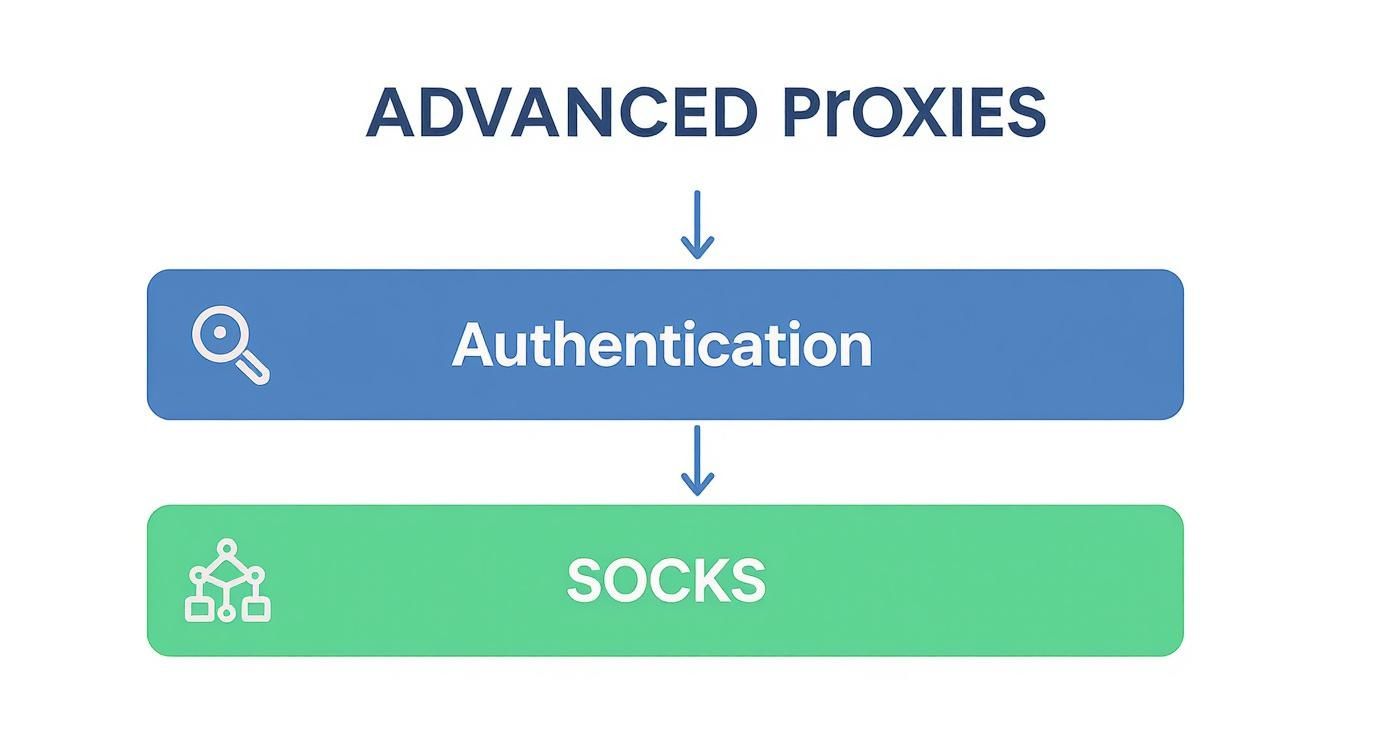
As you can see, advanced proxy use isn't just about hiding your IP. It’s about secure authentication and picking the right tool, like a SOCKS proxy, when you need more versatile network handling.
Implementing Basic Proxy Rotation
So, how do you actually do this in Python? At its most basic, IP rotation can be as simple as keeping a list of your proxy URLs and picking one at random for every new request you send.
Here’s a quick-and-dirty Python snippet that shows exactly how this works. We’ll just create a list of proxy addresses and use Python's module to cycle through them.
import requestsimport random
A list of your available proxy servers
proxy_list = [ 'http://user:pass@198.51.100.1:8080', 'http://user:pass@198.51.100.2:8080', 'http://user:pass@198.51.100.3:8080',]
def get_random_proxy(): # Choose a random proxy from the list proxy_url = random.choice(proxy_list) return { "http": proxy_url, "https": proxy_url, }
Use a new random proxy for each request
for i in range(5): try: proxy = get_random_proxy() print(f"Making request {i+1} with proxy: {proxy['http']}") response = requests.get('https://httpbin.org/ip', proxies=proxy, timeout=5) print(f"Success! IP: {response.json()['origin']}") except requests.exceptions.RequestException as e: print(f"Failed with proxy {proxy['http']}. Error: {e}")
This simple script is already a huge leap forward from using a static IP. The catch? As you scale, manually managing this list—weeding out dead proxies, handling different authentication schemes, and implementing smarter rotation logic—gets complicated fast. If you're ready to go deeper, our complete guide on rotating proxies for web scraping unlocked covers more advanced strategies.
The Power of Sessions for State Management
IP rotation solves the detection problem, but what about websites that need you to log in? When you make individual requests with , each one is a completely separate interaction. The server has no memory that the request you just sent has any connection to the one you sent two seconds ago.
That's where objects become incredibly useful. A Session object automatically hangs onto certain parameters, like cookies, across all the requests you make with it.
Key Insight: When you log into a site, the server sends back a session cookie. By using a object, automatically pockets that cookie and includes it in every follow-up request, effectively keeping you logged in.
This is absolutely crucial for scraping anything behind a login wall, like user dashboards or personalized content. By combining a with your rotating proxies, you can navigate a website just like a real user would, all while keeping your requests distributed and anonymous. In fact, a 2022 report found that over 90% of large-scale scraping projects rely on Python requests proxies to spread out their traffic and stay under the radar, often using hundreds of unique IPs.
Making Your Scraper Resilient to Failure

When you start using python requests proxies, you're introducing a new, unpredictable variable into your scraper. Let's be honest: proxies can be slow, flaky, or just drop offline without any warning. A well-built scraper doesn't cross its fingers and hope for the best; it expects things to go wrong and knows how to handle it. You can't let one bad proxy grind your entire data pipeline to a halt.
Your first line of defense is surprisingly simple but absolutely critical: the parameter. If you don't set a timeout, your script could get stuck waiting forever for a response from a dead proxy. It's a rookie mistake that can freeze your whole operation.
Adding to your request call tells to move on if it hasn't heard anything back in 10 seconds. This single line prevents your script from getting permanently stuck, but an exception will still crash the program. That's a start, but we can do better.
Implementing Automatic Retries
To build a scraper that can truly withstand real-world network chaos, you need to catch these failures and just try again. This is where blocks become indispensable. By wrapping your request in this structure, you can elegantly handle common issues like a or .
Instead of letting a failed request crash your script, you catch the error. You could log it, discard the failing proxy, and—most importantly—retry the request. Ideally, you’ll retry with a fresh proxy from your list.
Here’s what a basic retry loop looks like in practice:
import requestsimport time
MAX_RETRIES = 3target_url = "https://httpbin.org/ip"
for attempt in range(MAX_RETRIES): try: # Assumes get_random_proxy() returns a new proxy proxy = get_random_proxy() print(f"Attempt {attempt + 1} with proxy {proxy['http']}")
    response = requests.get(target_url, proxies=proxy, timeout=10)
    response.raise_for_status() # Check for bad status codes like 403 or 500

    print("Success! Data collected.")
    break # Exit the loop on success

except requests.exceptions.RequestException as e:
    print(f"Attempt {attempt + 1} failed: {e}")
    if attempt < MAX_RETRIES - 1:
        time.sleep(2) # Wait 2 seconds before the next retry
    else:
        print("All retries failed. Moving on.")
Expert Tip: That little call is more powerful than it looks. It creates a "backoff" delay, giving the network or a temporarily overloaded proxy a moment to breathe before you hit it again. I've found this simple pause can dramatically increase success rates compared to just hammering the server with instant retries.
This kind of logic turns your scraper from a fragile script into a persistent data-gathering machine. It methodically works through connection errors and bad proxies instead of just giving up. This is the exact kind of resilience that separates amateur scripts from professional-grade tools.
Switching to a Proxy Service like ScrapeUnblocker
Let's be honest: while setting up your own python requests proxies gives you a ton of control, it can also be a massive headache. Suddenly, you're not just a data scraper; you're also a network infrastructure manager. You have to find good proxy lists, write solid rotation logic, deal with authentication for each one, and build your own retry systems. It's a lot of work that pulls you away from what you're actually trying to do: get the data.
This is exactly why services like ScrapeUnblocker have become so popular. Instead of wrangling all that complexity in your own code, you just send your request to their API. They take care of everything else behind the scenes—from rotating through premium residential proxies to automatically solving CAPTCHAs and even rendering JavaScript-heavy pages.
Why Offloading the Work Makes Sense
The difference in your code is night and day. It becomes cleaner, shorter, and much easier to maintain. You're effectively outsourcing the most frustrating part of web scraping. This isn't just a niche trick; it's a major trend. The global proxy server market hit $1.2 billion in 2022 and is still growing fast, mostly because developers need reliable ways to get data without getting blocked. You can dig into some of the market insights from Grand View Research to see just how big this space has become.
Handing off the proxy infrastructure means you spend less time debugging connections and more time working with the actual data. It often leads to much higher success rates on tricky websites, too.
Got Questions About Python Proxies?
When you start diving into python requests proxies, a few common questions always seem to pop up. Let's get those sorted out so you can feel confident in your setup and tackle any issues that come your way.
After all, the last thing you want is to think you're routing traffic through a proxy, only to find out you've been hitting your target with your own IP address the whole time.
How Can I Actually Check if My Proxy Is Working?
So, you've configured your proxy in the script. How do you know it’s actually being used? This is probably the most critical check you can run.
The simplest, most effective way is to ping an IP-checking service. I usually use for this. First, send a request without your dictionary and see what IP it returns—that's your real one.
Next, add the argument back into your request and run it again. If the IP address in the new response matches your proxy's IP, you're good to go. It’s a quick sanity check that can save you a world of headaches later on.
What's the Real Difference Between HTTP and SOCKS Proxies?
This one comes up all the time. Think of it this way:
HTTP proxies are specialists. They are built for web traffic (HTTP and HTTPS) and operate at the application layer. This means they understand the requests you're making and can sometimes even cache content, which is a nice little performance boost.
SOCKS proxies, on the other hand, are generalists. They work at a lower network level (the transport layer), so they don't really care what kind of traffic you're sending. It could be for web browsing, email, or gaming.
For web scraping with Python's Requests library, a standard HTTP proxy will almost always get the job done. But if you have more complex networking needs beyond just fetching web pages, SOCKS offers that extra flexibility.
A quick word of advice from experience: avoid free proxies for any project you care about. They're a magnet for trouble—unbelievably slow, unreliable, and often a major security risk. Some have even been caught logging user traffic. Investing in a solid, paid service is one of the best decisions you can make for reliable and secure data collection.
Tired of managing unreliable proxies and getting blocked? ScrapeUnblocker handles all the infrastructure for you, providing a single API that intelligently rotates premium residential proxies, solves CAPTCHAs, and renders JavaScript. Focus on your data, not on getting blocked. Start scraping successfully today at https://www.scrapeunblocker.com.
Article created using Outrank

Comments